Matrices
I'm now reaching the more mathsy bits of learning OpenGL. This bit makes heavy use of linear algebra, and I won't be talking about the fundamental concepts it involves such as vector operations and matrix multiplication. So this post will assume you have some ground to stand on in that regard.
The plan for this post is to use matrices to apply some transformation to what we've rendered, in real time. Firstly though, we need to actually be able to do matrix operations. Learn OpenGL used GLM, a C++ graphics-targeted mathematics library. The library makes use of C++ language features, so I will be using a C port of it.
Lets start by applying a 90 degree rotation to the rectangle we rendered yesterday, by creating the associated matrix.
mat4s trans = glms_mat4_identity();
vec3s zAxis = GLMS_VEC3_ZERO;
zAxis.z = 1.0f;
trans = glms_rotate(, glm_rad(90.0f),);We then need to apply this matrix from within our vertex shader.
#version 330 core
layout(=0) in vec3 aPos;
layout(=1) in vec2 aTexCoord;
layout(=2) in vec3 aColour;
out vec2 fragTexCoord;
out vec3 fragColour;
uniform mat4 uTransform;
void main() {
gl_Position = uTransform * vec4(aPos.xyz, 1.0);
fragTexCoord = aTexCoord;
fragColour = aColour;
}Now all thats left is to set the uniform in our shader program. We don't have any shader functions for setting a 4x4 Matrix, so let's define those real quick.
void shaderSetMat4(const*shader, const char *name,matrix) {
glUniformMatrix4fv(glGetUniformLocation(shader->program, name), 1, GL_FALSE, matrix.raw[0]);
}Now we just need to apply the rotation and see the result.
shaderSetMat4(&defaultShader, "uTransform",);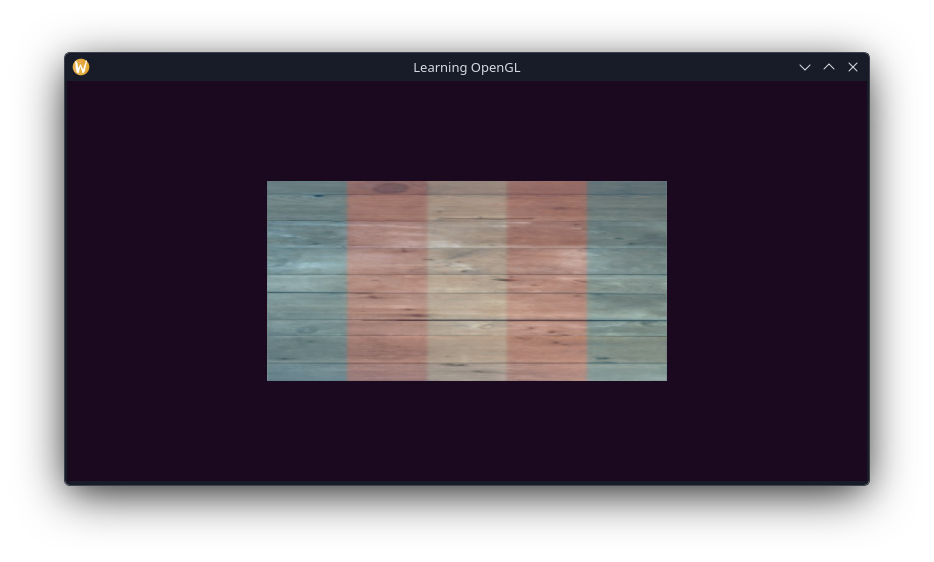
Looks good, lets try translating it a little bit to the right.
mat4s trans = glms_mat4_identity();
vec3s offset = GLMS_VEC3_ZERO;
offset.x = 0.4f;
trans = glms_translate(,);
vec3s zAxis = GLMS_VEC3_ZERO;
zAxis.z = 1.0f;
trans = glms_rotate(, glm_rad(90.0f),);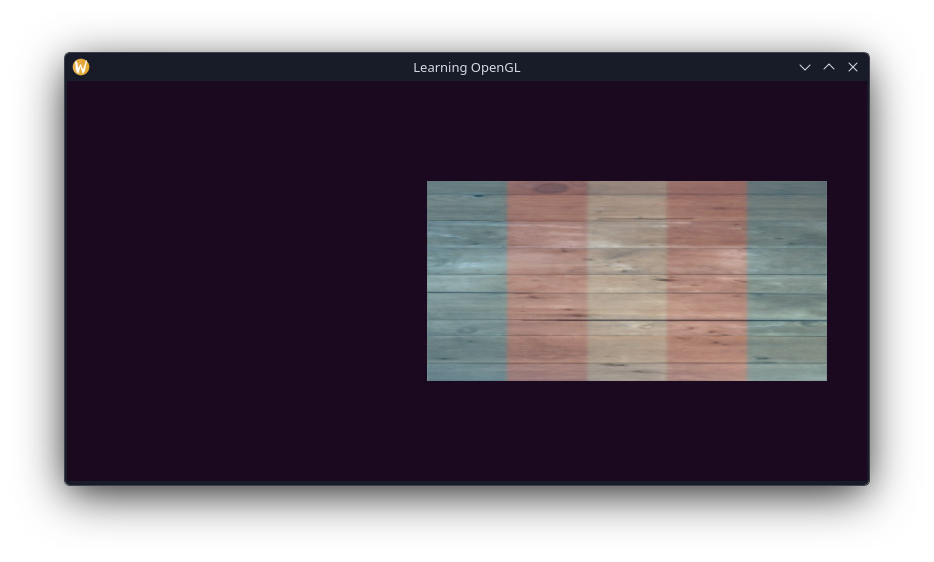
Lets try animating it now, making it rotate with time.
trans = glms_rotate(, ()glfwGetTime(),);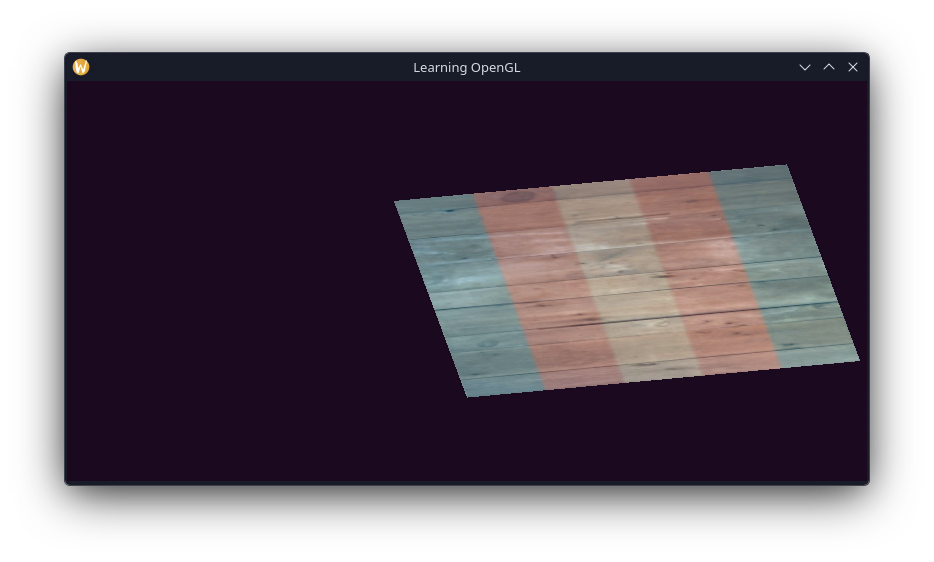 This is a still image, however believe me when I say its spinning really fast.
Anyway, this is a short post today; just to get the hang of transformations. In the next post I'll be using more transformations to make the transition to rendering in 3D!