Learning OpenGL
Graphics programming seems honestly quite complicated, but I still think it's really cool. Whilst OpenGL is old, and doesn't really compare with modern graphics APIs like Vulkan and DirectX, it's still widely supported, and relatively good to begin with.
I'm going to be mostly following the guide on learnopengl.com. Through this series of posts I'm going to document my process through learning it, things noteworthy, as well as other thoughts.
Getting Set Up
Learn OpenGL recommends C++ for their guide, I've been finding C++ to be a bit... heavy in a sense, so I've been trying to use C whenever possible, which is also what I'll be doing here.
#include <stdio.h>
int main(void) {
printf("Hello, World!\n");
return 0;
}Before writing any actual OpenGL code, there's a couple things to note. OpenGL purposely abstracts itself from OS/Kernel-specific actions, so creating a window and render context is something the application needs to handle. Fortunately, libraries are available for handling this part for us. As per the guide, I'm installing GLFW and GLAD for this end.
GLFW
For integrating GLFW, I'm going to be using my projects CMake instance to handle compiling and linking it.
Currently, my CMakeLists looks like this:
cmake_minimum_required(VERSION 4.1)
project(learnopengl C)

set(CMAKE_C_STANDARD 23)

add_executable(learnopengl main.c)
I've extracted GLFW into its own folder in my project directory, since GLFW supports compilation via CMake, it can be added as a subdirectory to the main project. After which it can be easily linked to the target. GLFW's header files still need to be able to be resolved in our program, so we also need to add it's include directory.
cmake_minimum_required(VERSION 4.1)
project(learnopengl C)

set(CMAKE_C_STANDARD 23)

add_subdirectory(glfw)

add_executable(learnopengl main.c)

target_include_directories(learnopengl PUBLIC ${CMAKE_CURRENT_SOURCE_DIR}/glfw/include)
target_link_libraries(learnopengl PUBLIC glfw)
GLAD
GLAD is slightly different. It makes use of generated files for the specific OpenGL version and systems included. It has no CMake project, so I'll be adding the source files directly. I'm also going to split my program into a src and include directory as well.
cmake_minimum_required(VERSION 4.1)
project(learnopengl C)

set(CMAKE_C_STANDARD 23)

add_subdirectory(glfw)

add_executable(learnopengl src/main.c src/glad.c)

target_include_directories(learnopengl PRIVATE ${CMAKE_CURRENT_SOURCE_DIR}/include)
target_include_directories(learnopengl PUBLIC ${CMAKE_CURRENT_SOURCE_DIR}/glfw/include)
target_link_libraries(learnopengl PUBLIC glfw)
With both GLFW and GLAD installed, we can include them in our main file like so:
#include <stdio.h>
#include "glad/glad.h"
#include "GLFW/glfw3.h"
int main(void) {
printf("Hello, World!\n");
return 0;
}Annoyingly, the include order is important and GLAD must be included before GLFW.
Creating a Window
Before doing anything, GLFW need's information about OpenGL. So the very first thing in our main function is:
int main(void) {
glfwInit();
glfwWindowHint(GLFW_CONTEXT_VERSION_MAJOR, 3);
glfwWindowHint(GLFW_CONTEXT_VERSION_MINOR, 3);
glfwWindowHint(GLFW_OPENGL_PROFILE, GLFW_OPENGL_CORE_PROFILE);
return 0;
}This specifies we are targeting OpenGL 3.3 Core.
Next step is to actually create the window, which is done using the glfwCreateWindow function, and handling cleanup on failure for whatever reason. Additionally we need to specify that the created window is what we want to render to.
GLFWwindow *window = glfwCreateWindow(800, 600, "Learning OpenGL",,);
if (window == nullptr) {
printf(stderr, "Failed to create GLFW window.");
return -1;
}
glfwMakeContextCurrent();If we were to run our program now, it would look like nothing happens. This is because the program terminates pretty much instantly after. Sticking a while loop after wont fix it either, since the functions that actually update and handle the window aren't running.
To proceed further we need to initialise GLAD.
if (!gladLoadGLLoader(()glfwGetProcAddress)) {
fprintf(stderr, "Failed to initialise GLAD.");
return -1;
}Now we're free to preprare the window for OpenGL, and so that stuff can actually happen.
First thing's first, OpenGL needs to know how much space it can render to. At the moment we're trying to render to a window of 600x800.
glViewport(0, 0, 800, 600);To handle the resizing of the window, we create a handler function and then pass that to GLFW as a function pointer.
void windowResized(*window,width,height) {
glViewport(0, 0, width, height);
}glfwSetFramebufferSizeCallback(,);And now we're ready to define our main render loop.
while (!glfwWindowShouldClose()) {
glfwSwapBuffers(window);
glfwPollEvents();
}
glfwTerminate();
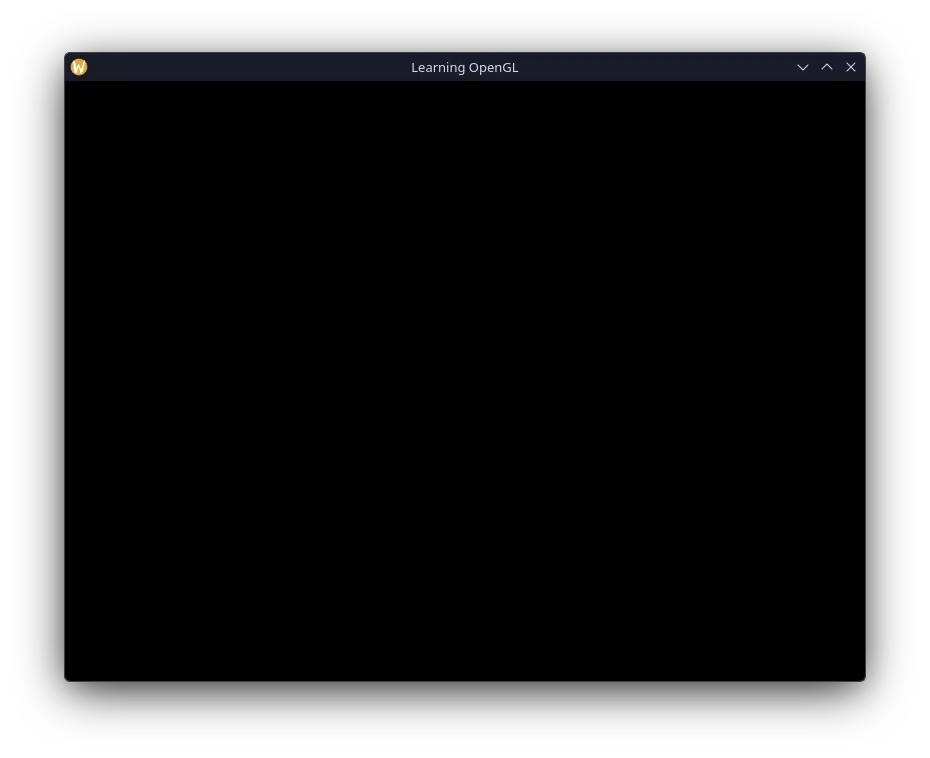
return 0;After all that work, running the program presents a window that looks like this.